
Table of Contents
- AirSpot is excited to launch our CO₂ map!
- AirSpot Fresh Indoor Air CO₂ Map Introduction Video
- Learn more about the AirSpot Fresh Indoor Air CO₂ Map
- Using the Filter Function
- Adding Data to the AirSpot Fresh Indoor Air CO₂ Map
- AirSpot Fresh Indoor Air CO₂ Map Quick Guide Videos
- Your organisation collects clean indoor air data and you want to add it to the map?
- And as always, stay in touch!
AirSpot is excited to launch our CO₂ map!
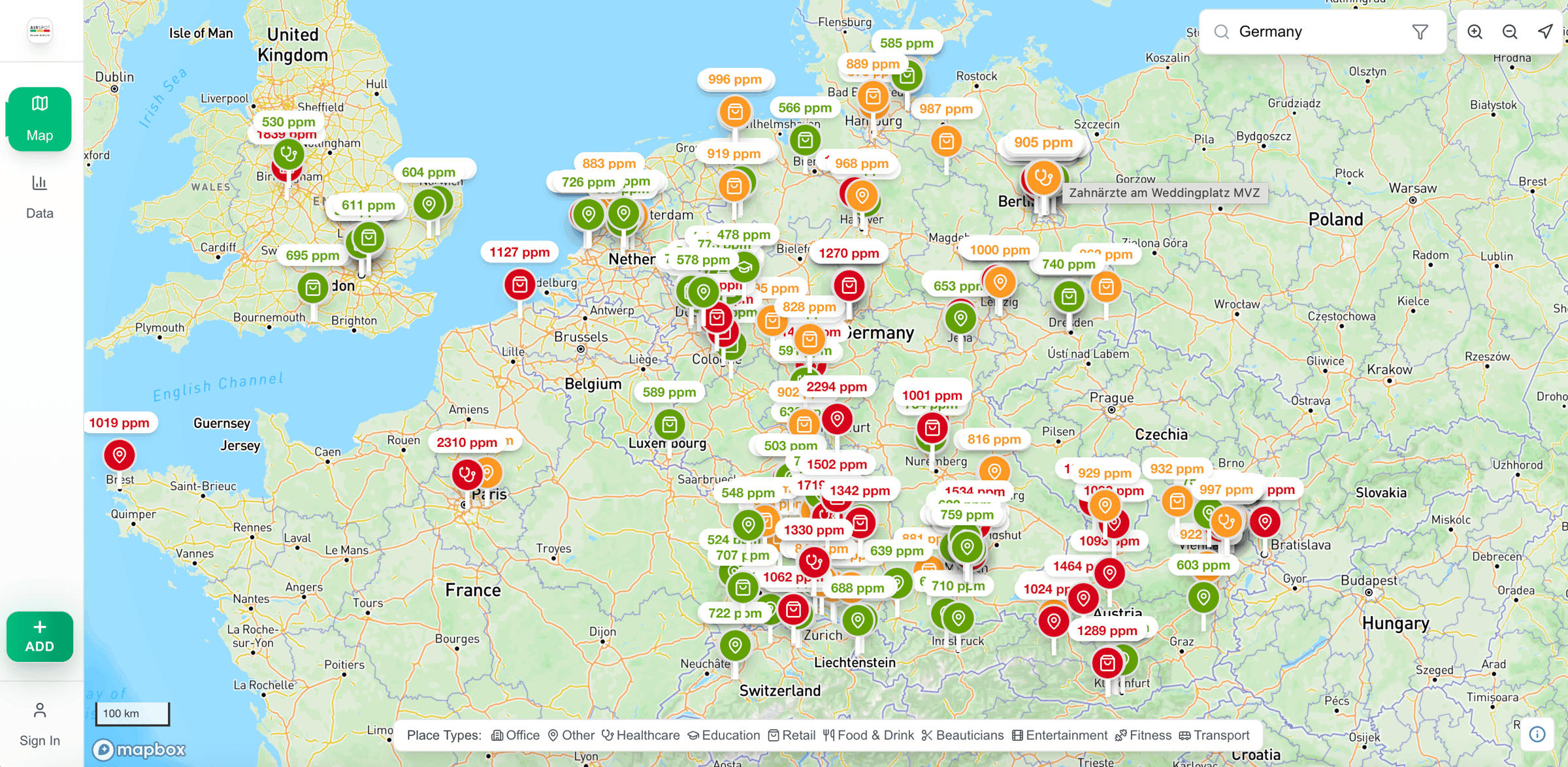
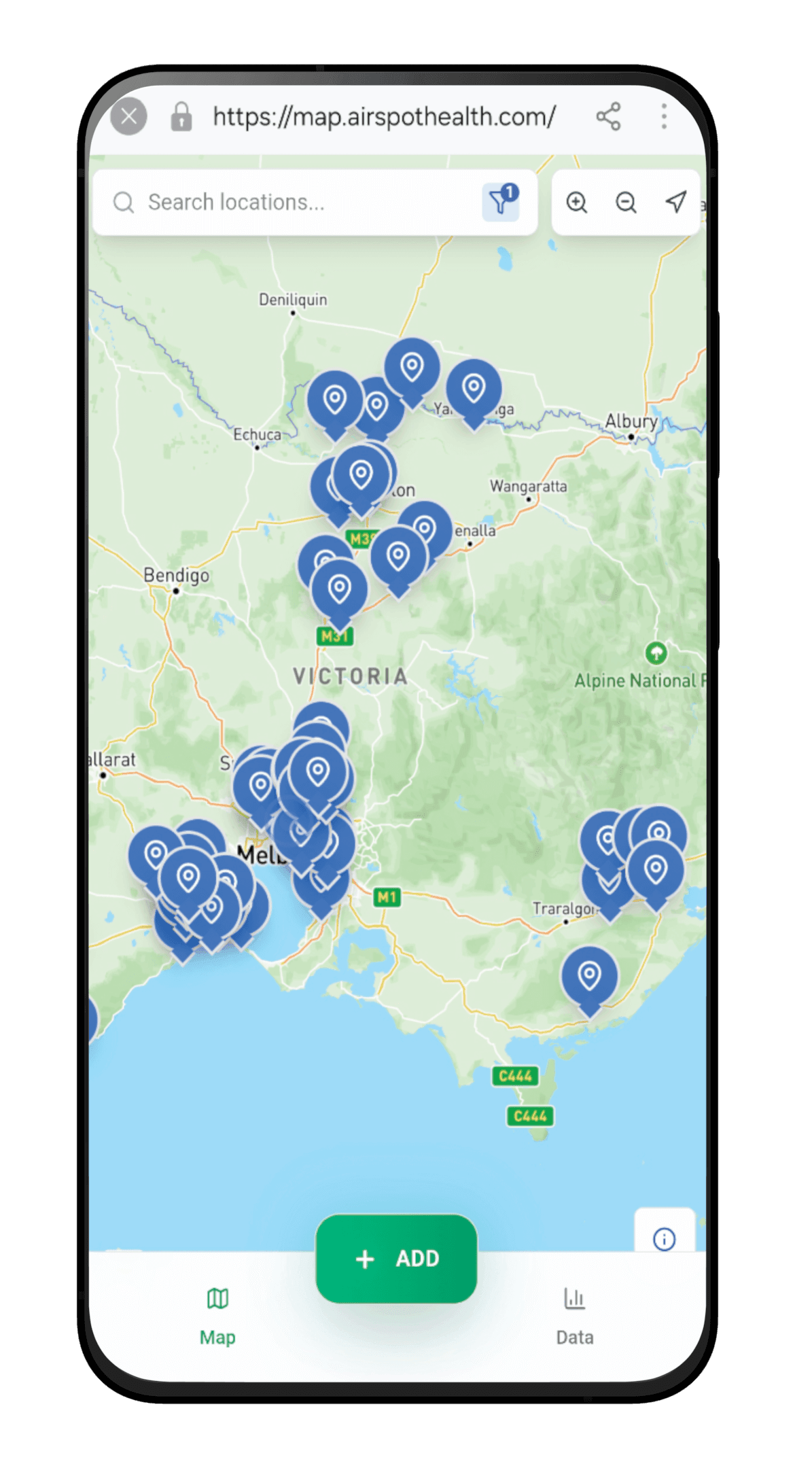
The AirSpot Fresh Indoor Air CO₂ Map is a collaborative map including data from many providers (including the Clean Air Map and CO₂ trackers) and from many individuals from all over the world.
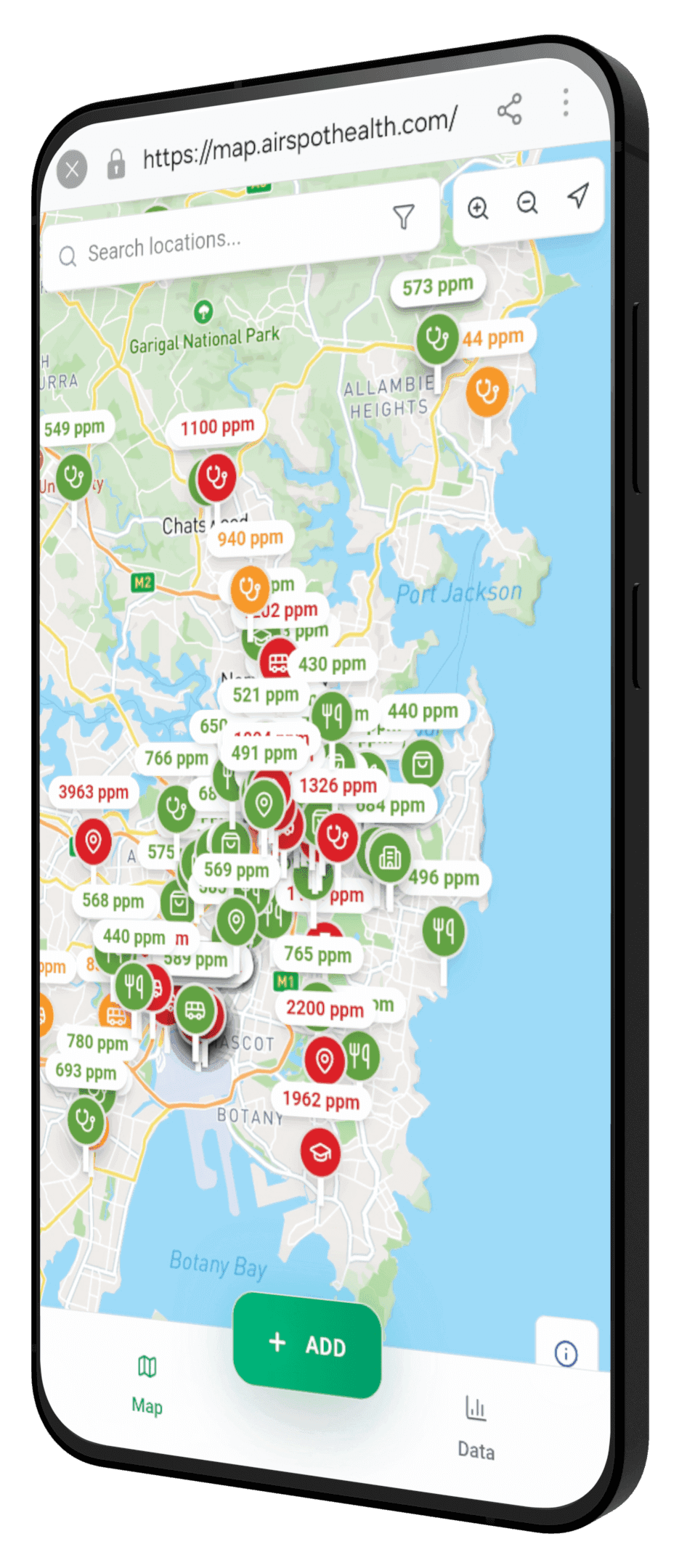
The map can be used by anyone!
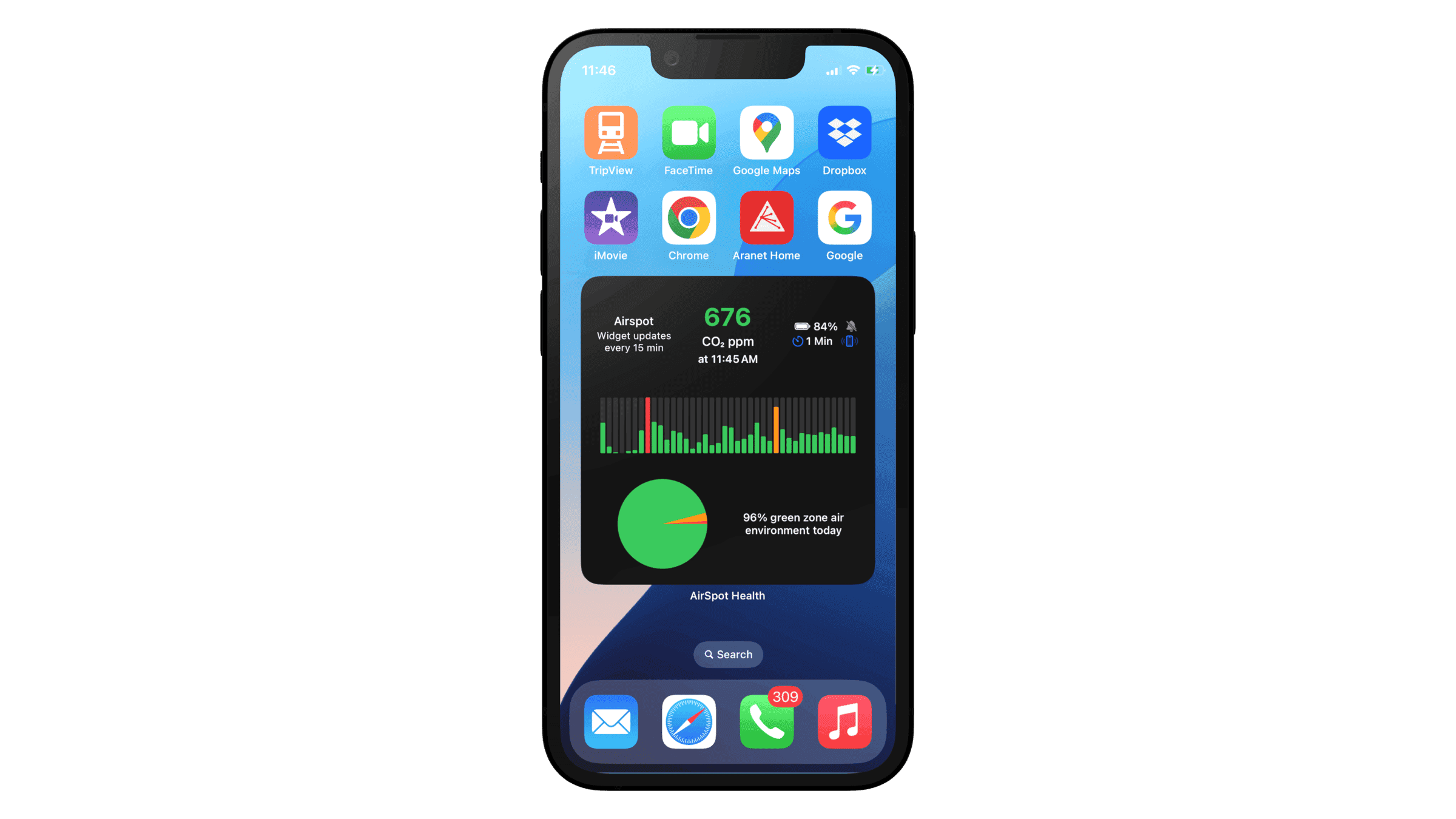
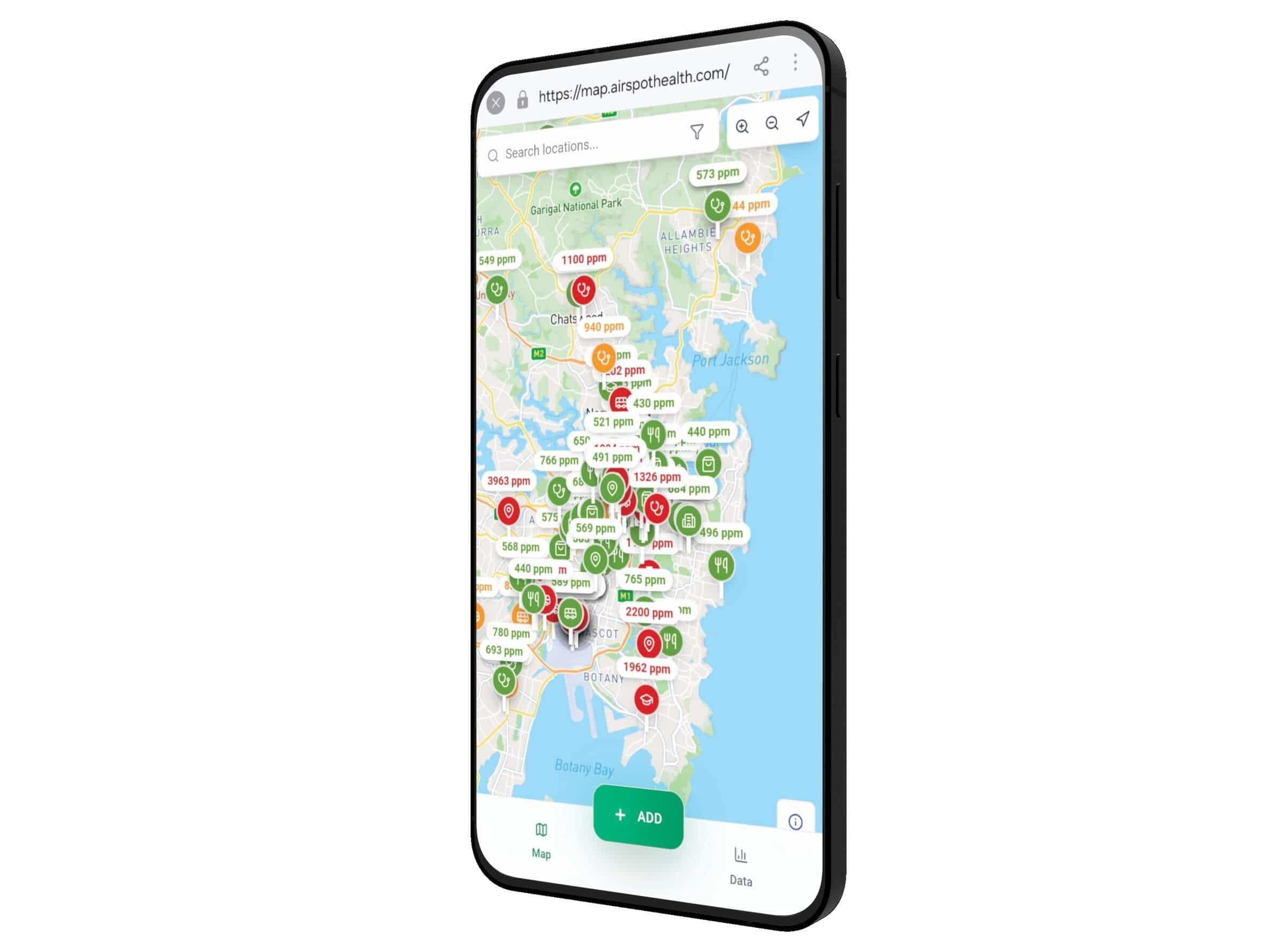
Anyone can view the data from their computer at map.airspothealth.com or from the AirSpot App.
Any CO₂ monitor can be used for data entry.
AirSpot Fresh Indoor Air CO₂ Map Introduction Video
Learn more about the AirSpot Fresh Indoor Air CO₂ Map
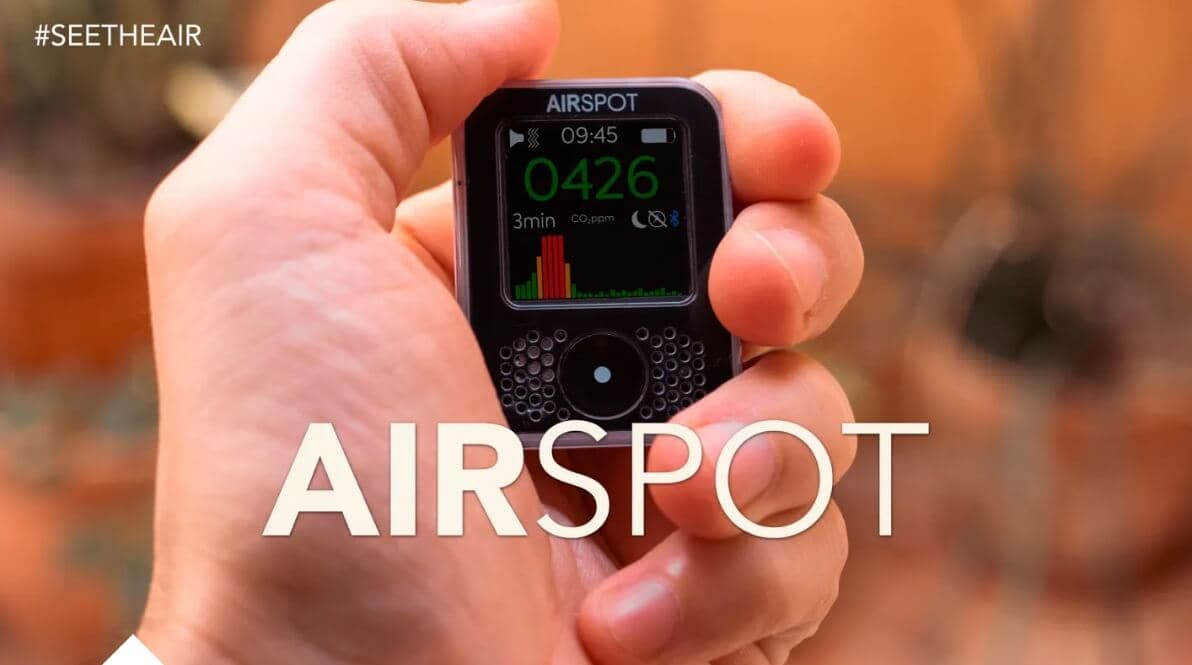
The AirSpot Map can be used by anyone that has a CO₂ monitor, whether it be an AirSpot or any other CO₂ device.
The map can be used to:
- Upload CO₂ data for any location
- Search for CO₂ readings across the globe
- Search for locations you can borrow CO₂ monitors from
- Coming Soon - Search for locations that have good protections in place
Using the Filter Function
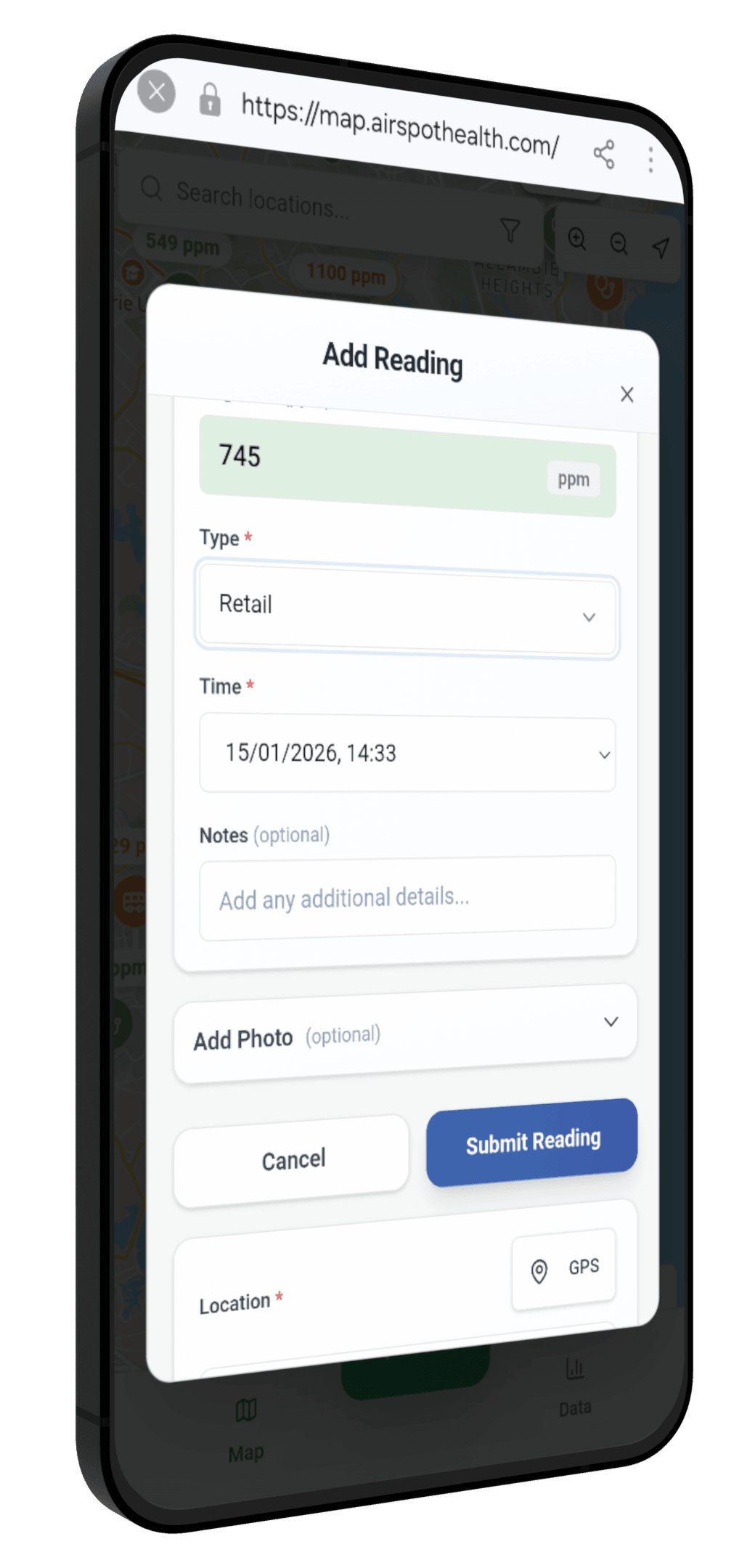
The Filter Function allows you to:
Search and filter by:
- Data Provider
- Date Range
- Place type
- CO₂ Range
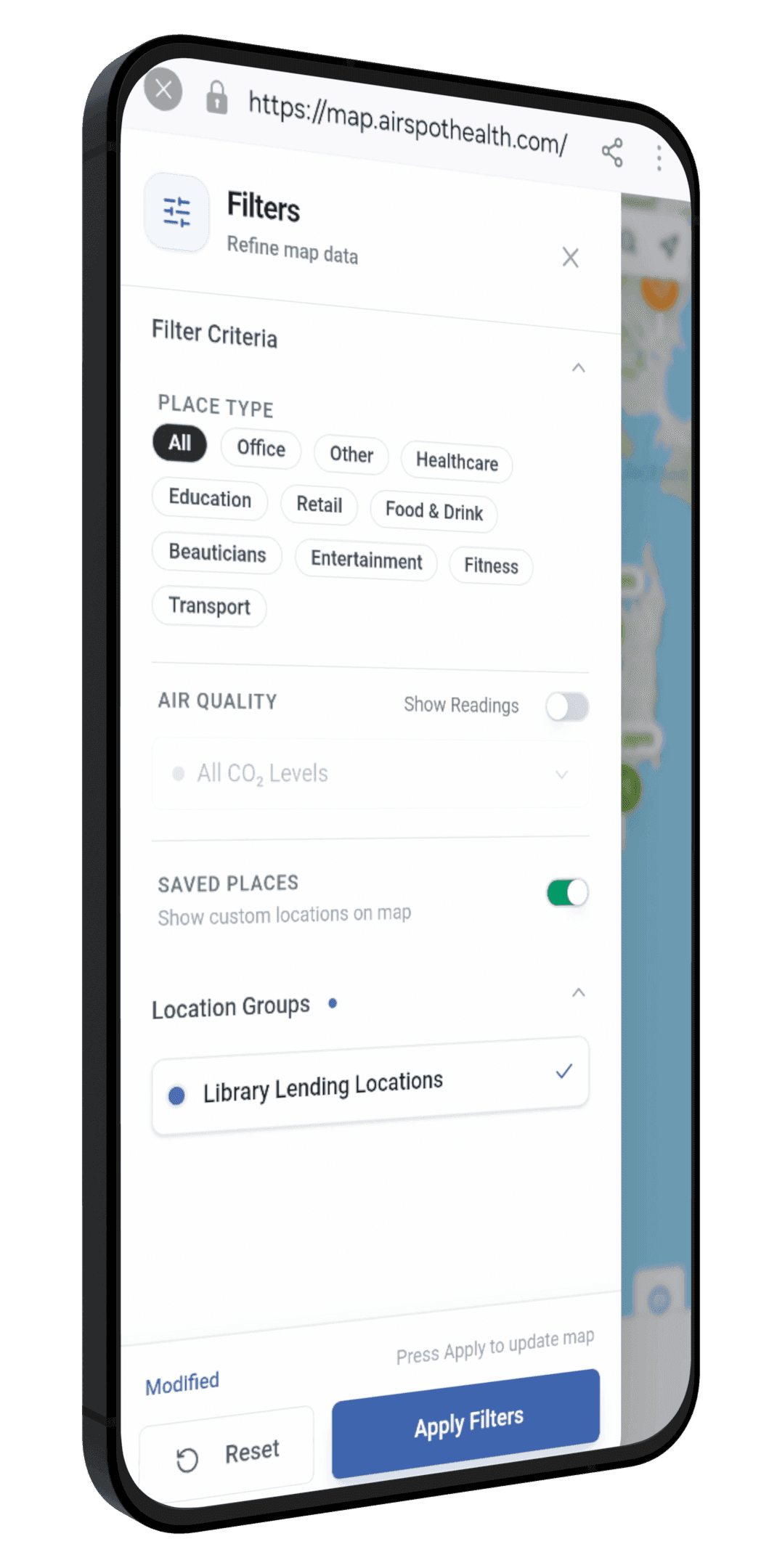
- Library Lending of CO₂ Monitors
Coming Soon - Locations with strong protections in place
Adding Data to the AirSpot Fresh Indoor Air CO₂ Map
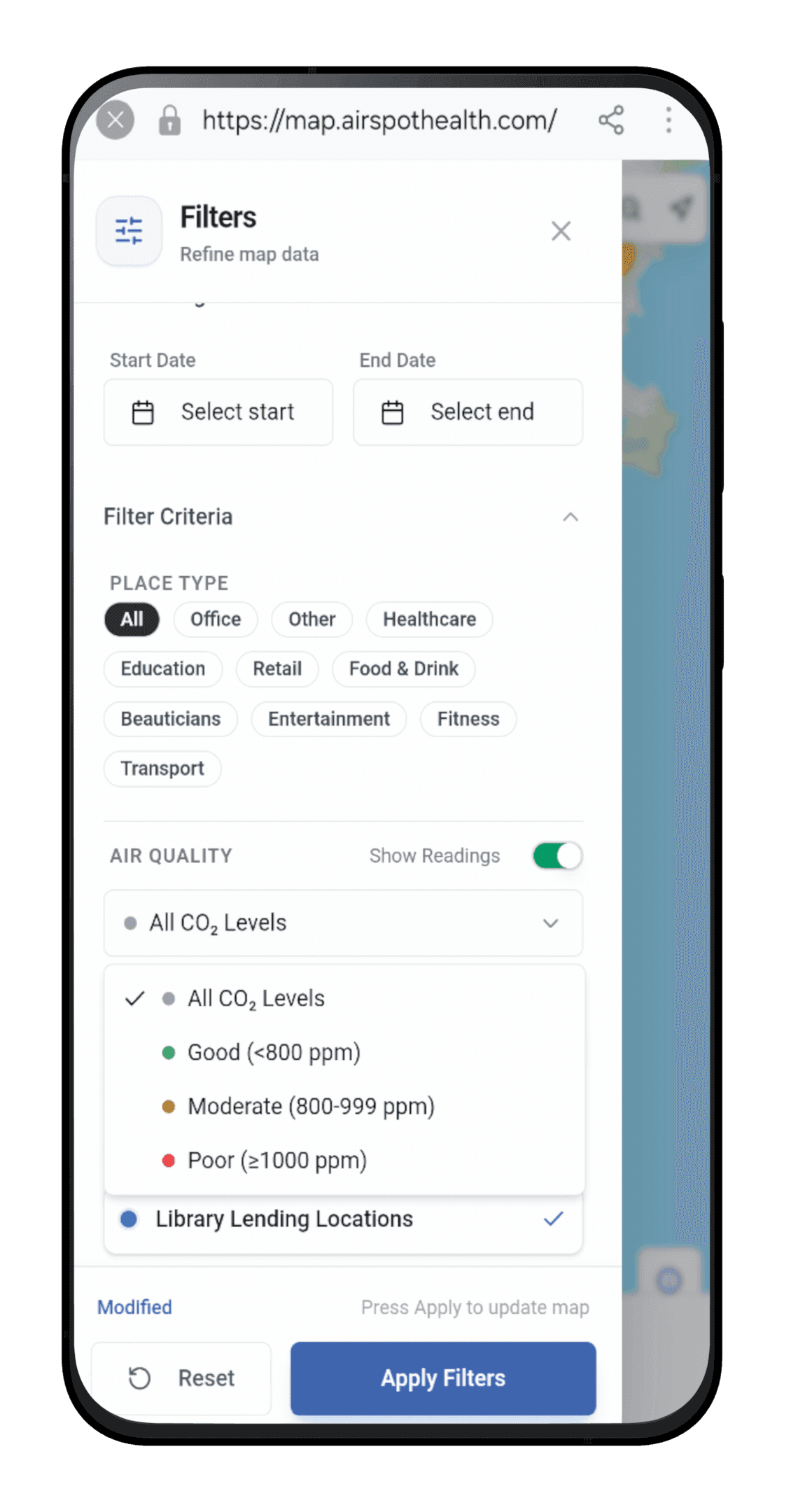
Data can be added to the map in three key ways:
1. Clicking on the "Add" button on the map and filling in the following details:
- Name of location
- CO₂ Level
- Location Type
- Time and date of the reading
- Adding any additional notes (eg. Open windows, HEPA filters, crowded etc)
- Adding a photo
- Selecting the location on the map
2. Launching the Map from the Live Activity Notifications:
- When launching the map in this way it will take you directly to the Add Data pop-up
- You will add data as above, however the CO₂ reading, Date and Time will pre-populate
3. Launching the Map from the Graph within the AirSpot App:
- When launching the map in this way it will take you directly to the Add Data pop-up
- You will add data as above, however the CO₂ reading, Date and Time will pre-populate
AirSpot Fresh Indoor Air CO₂ Map Quick Guide Videos
Using Filters on AirSpot Map
Adding CO₂ Reading to the Map from Live Activity
Adding CO₂ Reading from the Graph in the App
Manually adding CO₂ Reading to the AirSpot Map
Launching AirSpot Map from the AirSpot App
Edit your data on the AirSpot Map
Report Issues with Data on the AirSpot Map
Swapping from Desktop to Mobile Mode on the AirSpot
Check out our library lending locations direct from the map
https://map.airspothealth.com/
Your organisation collects clean indoor air data and you want to add it to the map?
If you have an organisation collecting clean indoor air data you can onboard your data onto the collaborative map. Click on the image below to learn more:
And as always, stay in touch!
Whether you have feedback, questions, ideas or want to partner with us, we want to hear from you, to help bring us closer to making clean, safe air a reality for all.